De-Squaking the Alesis Q49
At one point my son got a toy piano, and I played around with it, and figured I'd like to have a toy piano of my own. Googling around, I ended up ordering the Alesis Q49 USB midi keyboard. While it's not the best one out there, it's relatively cheap and overall I've been satisfied with it. I've been playing with it for a couple of years now.

At some point I noticed that some of the keys started to make a squeaking noise. When googling, I found that several other people had the same problem, and even some ebay advertisements mentioned that their unit was perfectly functional, some keys just made this squeaking noise..
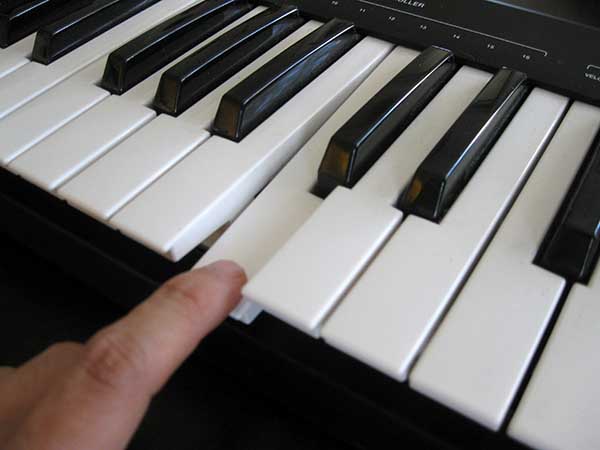
..but nobody had posted any solution to this.
As long as only one or two of the keys had the problem I didn't really care, but when several others started doing so, I decided that it's time to do something about it. Feeling adventurous, I flipped the keyboard over.
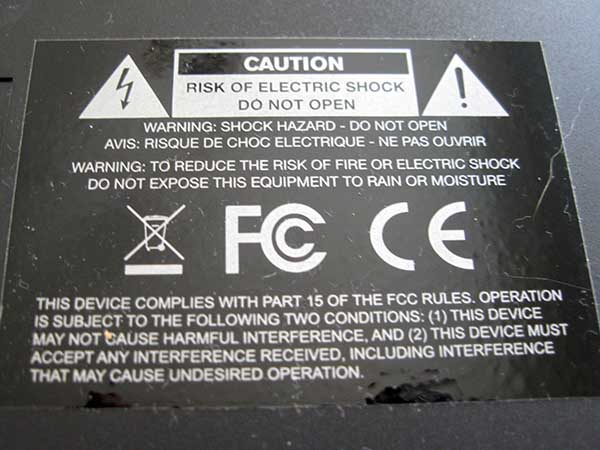
There's a warning label. You've been warned. Continue at your own risk.
I don't think there's any major risk, really, as there's no reason to even touch any of the electronics. Your mileage may vary and all that.
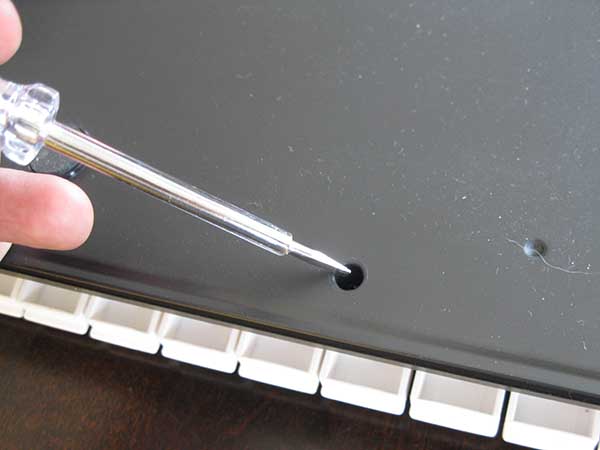
Finding a screw driver that was thin and long enough to access the screws was the biggest problem for me. Most of the ones I own are either too thick to fit into the holes in the back of the keyboard, or they're not long enough to reach the screws.
Luckily, the screws are really friendly philips ones (and not, for example, some oddball triangle shape), so they're easy to get off even with a flat screwdriver.
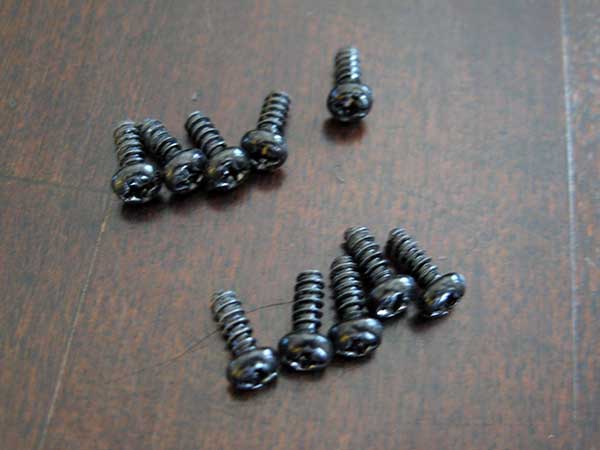
The end result should be ten identical screws. Be careful not to lose them when you flip your keyboard over.

The plastic cover goes slightly under the keys as well as over. After loosening the cover a bit, you can slide it from under the keys.
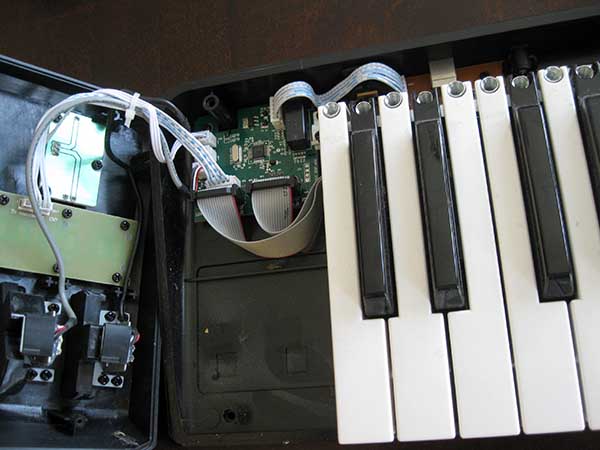
The cover is connected to the base via a few cable strips on the left side of the keyboard. I simply opened it like a book.
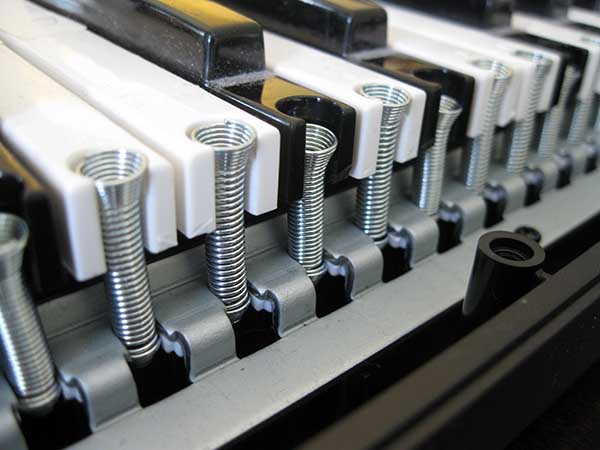
On the back side of the keys you can see a row of springs. These are the squeaky parts. I carefully applied some gun oil to these using a q-tip; I'm pretty sure anything you use to stop your door hinges from squeaking will work just fine. There may be a slight risk of having the oil getting into the electronics here, so I wouldn't horribly overdo the amount of oil used. Not that the oil should do any harm to the electronics, but there's no need to take any chances..
After you're done, simply slide the cover back in place, turn the device over, and put the screws back in. That's it!
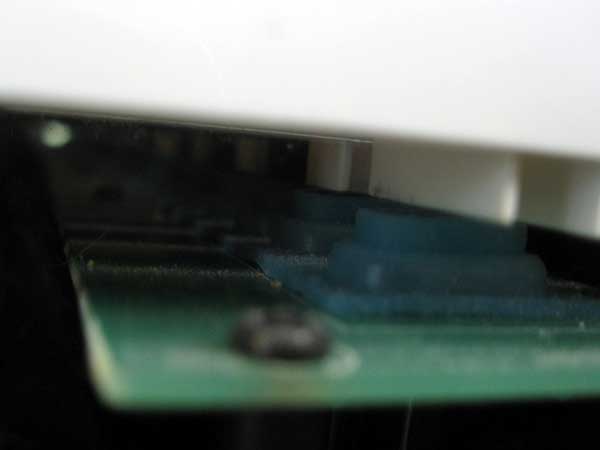
Finally, for the curious: here's a picture from beneath the keys. The keyboard detects the presses via those blue pillowy buttons that get hammered by your key presses.